
How to Speed Up an Old Laptop: 10 Fixes That Cost Nothing
Before you buy anything: the free software fixes, settings changes and clean-ups that bring an ageing laptop back to comfortable everyday speed.
What two-factor authentication is, why SMS codes are the weakest option, and a step-by-step plan to secure your email, banking and social accounts today.
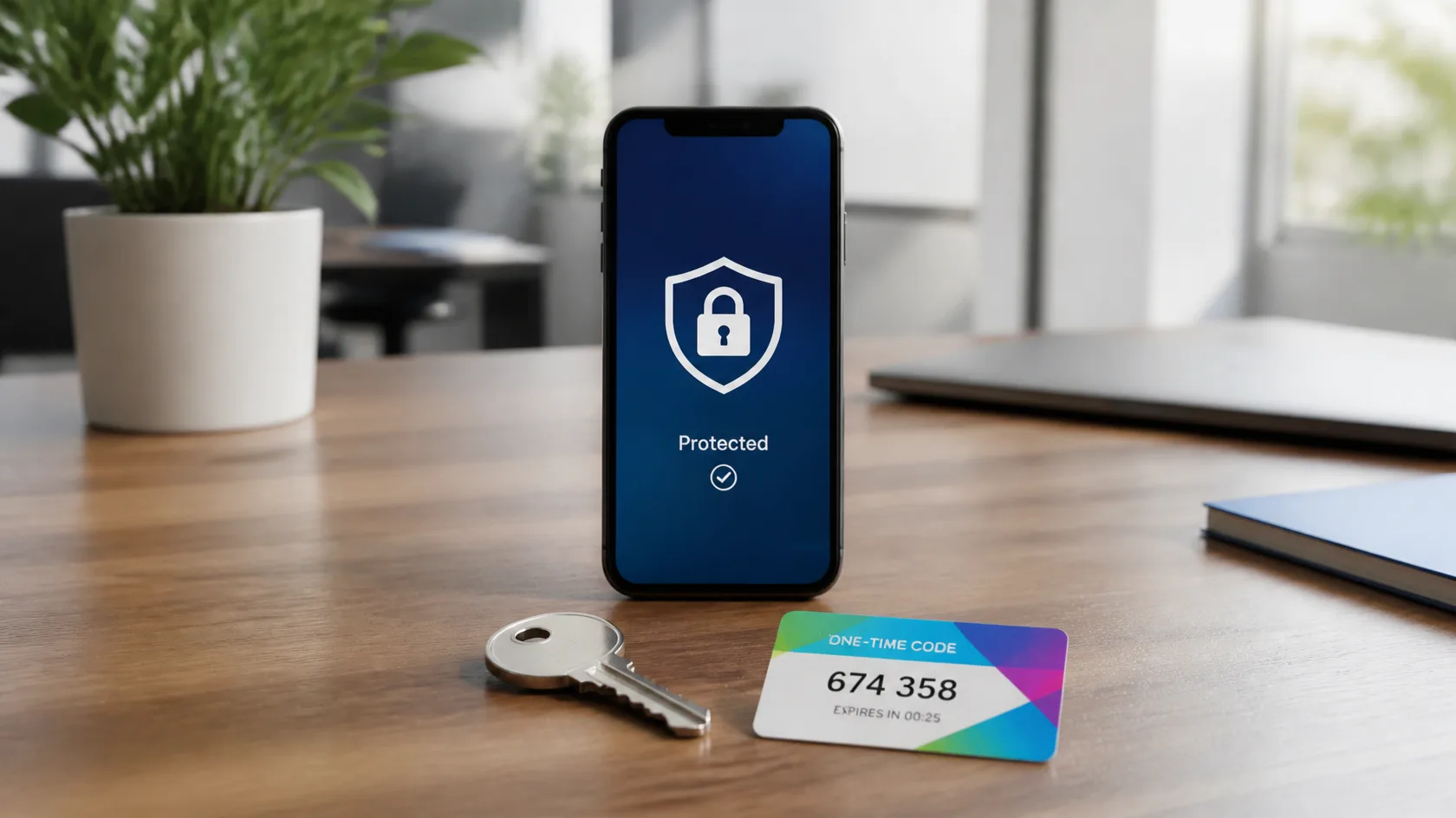
Most account takeovers do not involve genius hackers; they involve a password reused from an old data breach. Two-factor authentication (2FA) breaks that chain: even with your password, an attacker still needs a second proof that you are you. Here is how it works and how to set it up properly.
This guide is for anyone whose digital life runs through one email inbox and a handful of reused passwords — which is to say, almost everyone. It assumes no technical background and about one focused hour. By the end, the realistic ways accounts get taken over (breach-reuse, phishing, SIM-swap) will each have met the control designed to stop them.
Real 2FA combines two different kinds. A password plus a code from your phone is genuine two-factor; a password plus a security question is not — both are things you know, and both can leak.
SMS codes can be intercepted or redirected through SIM-swap fraud, where an attacker convinces a mobile carrier to move your number to their SIM. Authenticator apps generate codes on your device instead, immune to number hijacking and usable without signal. Hardware security keys are stronger still, but an authenticator app is the right default for almost everyone.
Many major services now offer passkeys as an alternative to passwords plus codes. A passkey is a cryptographic key stored on your device (and synced through your Apple or Google account), unlocked by your fingerprint, face or PIN. Because the key is bound to the real website, a phishing page cannot trick you into handing it over — there is nothing to type and nothing to steal. Where a service offers passkeys, adopt them for your most important accounts; keep an authenticator app as the fallback for everything else. Passkeys and 2FA are not rivals — passkeys are what 2FA is growing into.
Store recovery codes for your email account in two separate physical places. Losing your phone and your only recovery codes in the same week is the classic lockout story.

2FA protects accounts; a password manager protects the passwords themselves by making every one unique and random. The two together remove nearly all realistic account-takeover risk for a normal user. Most password managers can also store your 2FA codes — convenient, though keeping them in a separate app is slightly safer.
The app codes are all being rejected. Nine times in ten, your phone's clock has drifted — authenticator codes are time-based. Set your phone's date and time to automatic, then try again; if your authenticator app has a 'time correction' or sync setting, use it.
The new phone never got the codes. Do not panic and do not factory-reset anything. Sign in with a recovery code, then re-enrol the new phone in each service's security settings. Services without recovery codes fall back to identity verification with their support team — slower, but designed for exactly this.
SMS codes are not arriving. Check signal and whether you are roaming, restart the phone, and confirm the service has your current number. Then treat the episode as your sign to move that account to an authenticator app, which needs no network at all.
You approved a prompt you did not start. Act immediately: change that account's password from a clean device, revoke other sessions in its security settings, and check the account's recovery email and forwarding rules for changes you did not make.
One focused hour — email first, then money, then everything else — upgrades your security more than a year of vague worrying. Start with the inbox.
Comfortably yes. SMS codes stop the most common attack — a stranger with your leaked password — even though they can be defeated by SIM-swap fraud. Use an authenticator app or passkey where offered, but never leave an account on password-only because SMS felt imperfect.
They rarely break the cryptography; they route around it — phishing pages that relay your code in real time, fatigue attacks on push approvals, or stealing a signed-in session. App codes and especially passkeys shrink those routes dramatically, and the habits in this guide close most of what remains.
Generally yes, provided the phone itself is locked and your recovery codes are stored safely offline. The convenience of one app is worth it; the single point of failure to manage is the phone, which is why the phone-change routine in this guide matters.
Use it — with two reinforcements. Set a carrier PIN against SIM-swap, and make sure the account's password is unique and stored in a password manager, since the password becomes the stronger of your two factors.
More of them than you would think. Old accounts hold password-reset power over each other, personal data for impersonation, and sometimes a saved card. Prioritise email, money and cloud storage — then sweep the rest during odd spare minutes; each one takes about ninety seconds.
Keep reading
Before you buy anything: the free software fixes, settings changes and clean-ups that bring an ageing laptop back to comfortable everyday speed.

How much free space each major cloud storage service really gives you, what the catches are, and which one fits students, researchers and everyday backups.

A practical tour of the best free AI tools for studying, writing, research and organisation — what each one does well, and where the free tier runs out.