
How to Speed Up an Old Laptop: 10 Fixes That Cost Nothing
Before you buy anything: the free software fixes, settings changes and clean-ups that bring an ageing laptop back to comfortable everyday speed.
How much free space each major cloud storage service really gives you, what the catches are, and which one fits students, researchers and everyday backups.
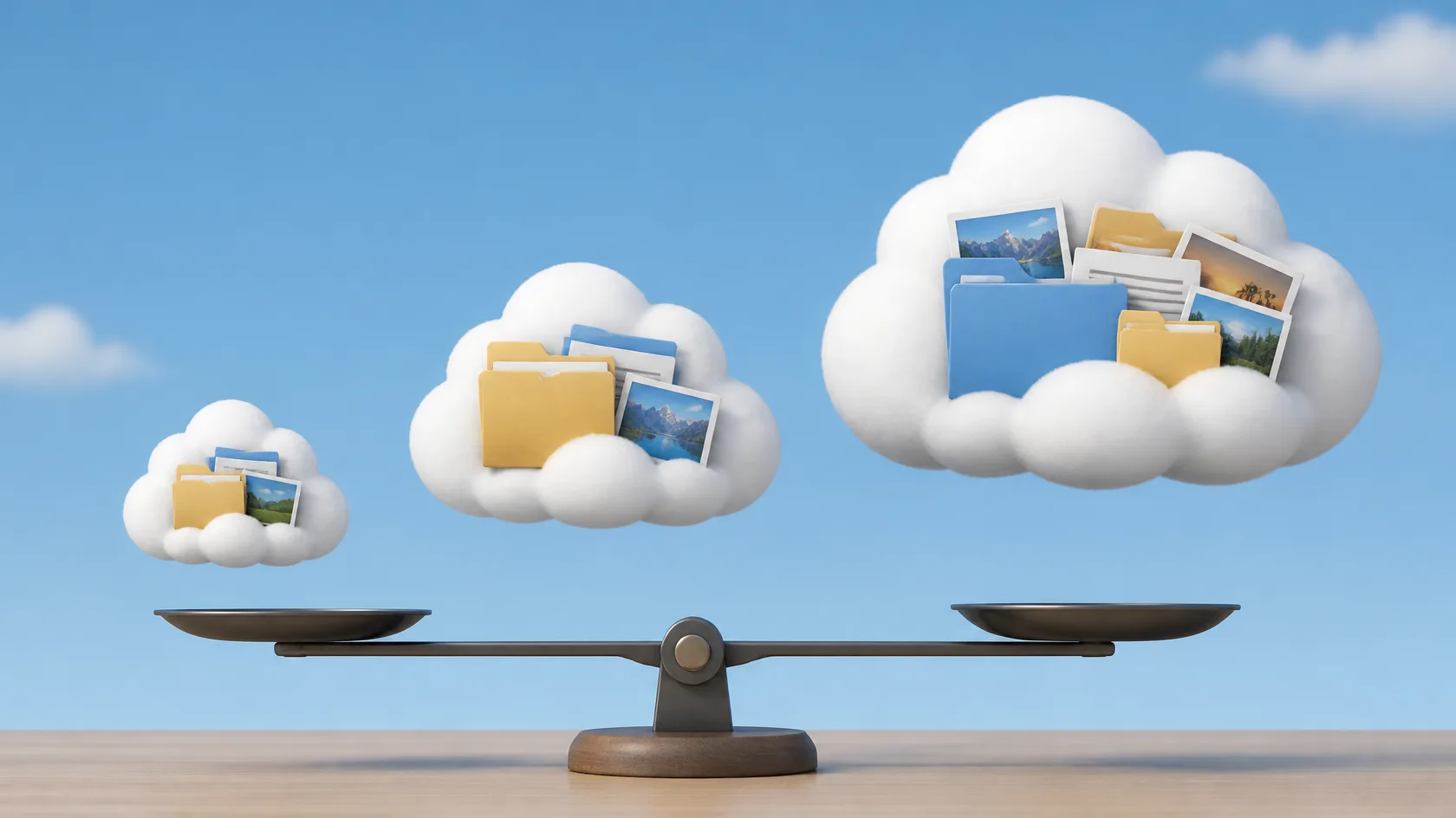
'Free' cloud storage tiers differ enormously — in space, in file-size limits, and in how hard they push you toward a subscription. This comparison covers the four services students and researchers ask about most, and how to choose between them.
This guide is for students and researchers choosing where their files should live before a dead laptop or a full phone makes the decision for them. It compares the four free tiers people ask about most — Google Drive, Microsoft OneDrive, Dropbox and MEGA — on the numbers that matter and the behaviours that matter more, then turns the comparison into a simple two-service strategy you can set up in an afternoon.
Free-tier sizes and terms change from time to time, so confirm the current allowance on each provider's site before reorganising your files around any single number.
| Provider | Free space | Single-file size limit | Best for |
|---|---|---|---|
| Google Drive | 15 GB (shared with Gmail and Google Photos) | Very large — up to 5 TB per file | Coursework, documents and collaboration |
| Microsoft OneDrive | 5 GB | Up to 250 GB per file | Windows users and Microsoft 365 coursework |
| Dropbox | 2 GB | Depends on method — the desktop app allows far larger files than the website | Sharing and syncing with collaborators |
| MEGA | 20 GB | No fixed per-file limit — your storage quota is the ceiling | Large archives and privacy-sensitive backups |
Figures checked October 2026. Providers adjust free tiers and limits from time to time — confirm on the provider's site before reorganising a large archive around any single number.
Read the file-size column with your own files in mind. Documents and PDFs never trouble any of these limits; the column matters when your work involves video, disk images, datasets or design files. A service can look generous on total space and still refuse the one 6 GB recording your project depends on — check your largest file type first, then compare space.

For coursework and documents, Drive's 15 GB and its editor suite make it the default student choice. If your university provides Microsoft 365, OneDrive becomes the natural home for coursework even with a smaller personal tier. Dropbox earns its place for sharing large files with collaborators who refuse to make accounts elsewhere. MEGA suits privacy-sensitive archives and big personal backups where its generous tier and encryption matter most.
Use two services deliberately: working documents in the one your university or team uses, and a backup copy of irreplaceable files (thesis drafts, photos) in a second one. Free tiers are big enough for documents — the strategy fails only if you never decide.
One option students overlook: the account you already have. Many universities provide Google Workspace or Microsoft 365 accounts with storage far beyond the personal free tiers, and your coursework may belong there anyway (check your institution's rules on what happens to that storage when you graduate, though — alumni access often ends, so export anything you want to keep before your final term ends). The wise pattern is institutional storage for current coursework, personal storage for the archive that must outlive your enrolment.
Backup professionals use the 3-2-1 rule: three copies, two different media, one off-site. A realistic student version: laptop copy, cloud copy, and a USB drive or external disk updated monthly. Your dissertation should never exist in exactly one place — laptops get stolen the week before deadlines with suspicious reliability.

Your Google storage is full and you barely use Drive. The 15 GB is shared: years of Gmail attachments and Google Photos backups are usually the real tenants — and since 2024, WhatsApp backups on Android count too. Google's storage manager shows the breakdown; clearing one giant video from Photos can free more than a month of documents.
Two versions of the same file keep appearing ('conflicted copy'). Two devices edited while one was offline. Pick the newer correct version, rename it clearly, delete the conflict, and let sync settle before editing again — most conflicts are born from reopening a file in the seconds before sync finishes.
You deleted a file you need. Act quickly: all four services keep deleted files in a trash or recycle area for a limited window (commonly around 30 days on free plans) before permanent deletion. Restore from the web interface, not the app, where the trash is easiest to find.
Sync has silently stopped. The usual causes are a full quota, a signed-out app after a password change, or a paused client nobody noticed. Open the service's app or web page, confirm you are signed in and under quota — ten silent days of 'backup' is how the 3-2-1 rule fails in practice while looking fine.
The best free cloud storage is the one matched to your actual files: documents in Drive or OneDrive, big or private archives in MEGA, painless sharing in Dropbox — and anything irreplaceable in at least two of them.
MEGA, of these four: its end-to-end encryption means files are encrypted on your device and MEGA cannot read them. The trade-off is real — lose your password and recovery key, and not even MEGA can let you back in. For ordinary coursework, the mainstream services' convenience usually wins; for sensitive archives, MEGA's model earns its place.
Yes, and this guide recommends exactly two, used deliberately: one working home matched to your ecosystem, one backup home for irreplaceable files. Beyond two, people lose track of which copy is current — the strategy fails from confusion, not from lack of space.
Not quite. Sync mirrors your mistakes as faithfully as your files — delete or corrupt something and every copy follows. A backup keeps earlier versions safe from today's accidents, which is why the 3-2-1 pattern pairs cloud sync with a periodic local copy on a drive you control.
Free accounts can be reduced or closed after long inactivity, and the terms differ per provider — some warn by email first, some reclaim storage from accounts idle for a year or more. Logging in occasionally, and keeping a local copy of anything irreplaceable, removes the risk entirely.
For current coursework, usually yes — the space is larger and collaboration with classmates is built in. Just remember the account is temporary: before you graduate, move the work you want to keep into your personal storage, because institutional access typically ends with enrolment.
Keep reading
Before you buy anything: the free software fixes, settings changes and clean-ups that bring an ageing laptop back to comfortable everyday speed.
What two-factor authentication is, why SMS codes are the weakest option, and a step-by-step plan to secure your email, banking and social accounts today.

A practical tour of the best free AI tools for studying, writing, research and organisation — what each one does well, and where the free tier runs out.