How to Summarise Lectures and Readings With AI (Without Losing the Detail)
AI can turn a two-hour lecture or a forty-page reading into a page of notes in seconds. This guide shows you how to get summaries you can actually trust, with a workflow that keeps the detail, checks the facts, and turns the output into revision notes.
A two-hour lecture ends, and you have ninety minutes of recording, forty slides, and a reading list that grows faster than you can read it. Somewhere in that pile is the material your exam will actually test, but finding it feels like a second degree. This is the job students now hand to AI summarising tools, and when it works, it works beautifully: a long lecture becomes a page of clear notes, a dense chapter becomes five bullet points you can actually remember. When it works badly, though, it fails quietly. The summary reads perfectly and misses the one point that mattered, or it invents a confident detail that was never said. This guide shows you how to use AI summarising the way a careful student would: fast where it is safe, sceptical where it counts, and always ending with notes in your own words.
Who this guide is for
Undergraduates juggling recorded lectures and long reading lists, master's students working through journal articles and seminar readings, and anyone whose course hands out more material than the week has hours for. You do not need any technical background. If you can paste text into a chat window, you can do everything in this guide.
What AI summarising is actually good at
A summariser is good at compression. Give it a long, well-structured piece of text and it will usually find the main argument, pull out the steps in a process, and turn a wall of prose into headings and bullet points. It is good at reformatting too: turning a rambling transcript into clean notes, pulling dates and definitions into a list, or rewriting a dense paragraph in plain language. That is real, useful work, and it is worth using.
What it is not good at is judgement. It cannot reliably tell which detail your lecturer will examine, which claim is contested in your field, or which number is the one to memorise. It also cannot know what you already understand. A summary built for a stranger is never quite built for you. Keep that gap in mind and the tool stays useful.
The trap: summaries that feel complete and are not
The danger of a good summary is that it feels finished. It reads smoothly, it covers the obvious points, and it gives you the calm feeling of having understood something. Reading a summary feels like learning, but the knowledge evaporates the moment you close the tab, because you never did the work of understanding it yourself. This is the fluency trap, and students fall into it constantly.
AI summaries have a second trap. When a tool is unsure, it sometimes fills the gap with a plausible-sounding detail instead of admitting it does not know. These invented details are rare in short, clear texts and more common in long, messy ones, which is exactly where students lean on summarising hardest. The defence is simple and non-negotiable: never treat a summary as a source. Treat it as a map to the source, and check the parts that matter.
Start with your own question
Before you paste anything into a tool, write down what you need from the material in one sentence. Examples:
What are the three causes of the 2008 financial crisis that the lecturer named?
What method did this paper use, and what did it find?
Which definitions from this chapter will I need for the exam?
This single sentence changes everything. It turns the tool from a generic summariser into a research assistant working on your question, and it gives you a test for the output: if the summary does not answer your sentence, it is not finished, however polished it looks.
A workflow that works
Here is the workflow this guide recommends. It takes a little longer than pressing one button, but the result is notes you can revise from instead of a page you will never open again.
Capture the material properly. For a lecture, record the audio or download the slides and transcript if your university provides them. For a reading, get clean text: a PDF you can copy from, not a photo of a page. Messy input is the most common cause of bad summaries, so five minutes spent getting clean text saves twenty minutes of confusion later.
Clean it before you summarise. Transcripts are full of false starts, repeated words and filler sounds. Skim the text once yourself and delete the obvious noise, or ask the tool to clean the transcript first and summarise second. Two short jobs beat one long one.
Summarise in layers. First ask for a short overview: the main argument in five bullet points. Then ask for detail on the parts your question needs: definitions, steps, numbers, examples. Layered summaries keep the detail where it belongs instead of flattening everything into one smooth paragraph.
Check the parts that matter. Pick the two or three claims your exam or essay depends on, and find them in the original. If a number, a date or a definition is wrong in the summary, you will catch it here and nowhere else.
Rewrite the summary in your own words. This is the step that turns reading into learning. A summary you rewrite is a summary you remember; a summary you paste into a document is a summary you forget.
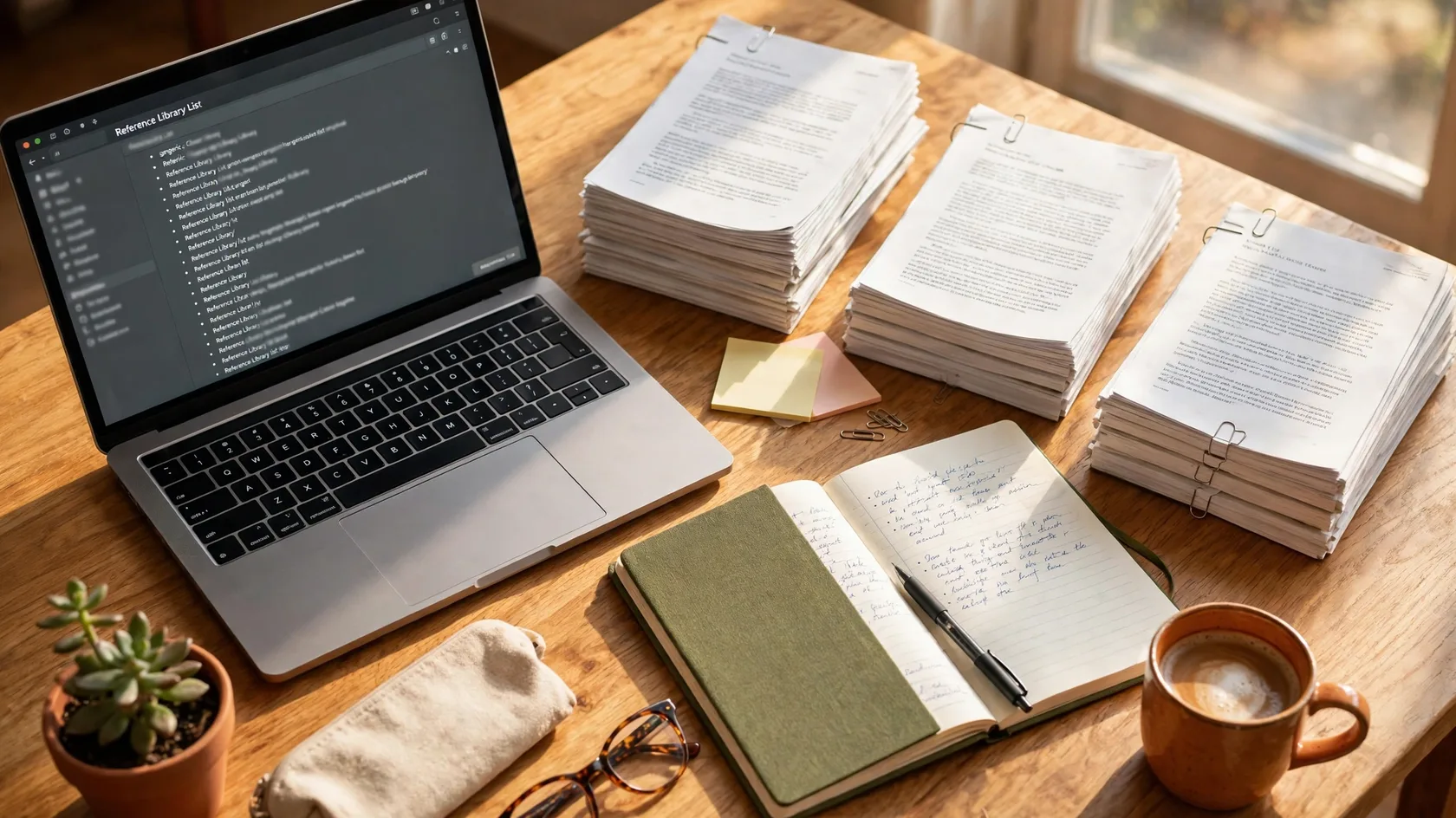
Clean text in, layered summary out. The transcript is the raw material, not the finished note.
Which tool for which job
You do not need a paid subscription or a shelf of apps. Most students need one general chatbot and, if their course is lecture-heavy, one transcription tool. Here is how the common options fit different jobs.
Job
What to use
Why it fits
Summarise a reading or article
A general chatbot such as ChatGPT or Claude
Paste the text or upload the file, then ask for a layered summary aimed at your question
Ask questions across many sources
NotebookLM
Upload several readings and ask questions that draw on all of them at once, with citations back to the source
Turn a spoken lecture into notes
A transcription tool such as Otter.ai
Records the audio, produces a searchable transcript, then summarises it
Summarise notes you already keep
Notion AI
Works inside your Notion pages, so summaries stay where your notes already live
Tools change fast, and free tiers come and go, so check what each one offers today before you commit your notes to it.
Prompting for summaries that keep the detail
The difference between a vague summary and a useful one is usually the prompt. A generic 'summarise this' gets a generic answer. Try these patterns instead:
Ask for structure: 'Summarise this lecture in five bullet points, then list every definition the lecturer gives, word for word.'
Ask for what to memorise: 'What are the three facts from this chapter most likely to appear on an exam, and why?'
Ask for gaps: 'What does this text not explain that a beginner would need to know?'
Ask for a comparison: 'Explain the difference between X and Y as the author describes it, with one example of each.'
Ask for a second pass: 'Now rewrite that summary for someone who has not read the original, keeping all the numbers and dates.'
Keep your prompts specific and short. One clear instruction beats a paragraph of polite requests, and if the first answer is too vague, ask a follow-up instead of starting over.
Handy tip
Save the prompts that work. A note with three or four good summary prompts, one per type of material, will save you from reinventing the wording every week.
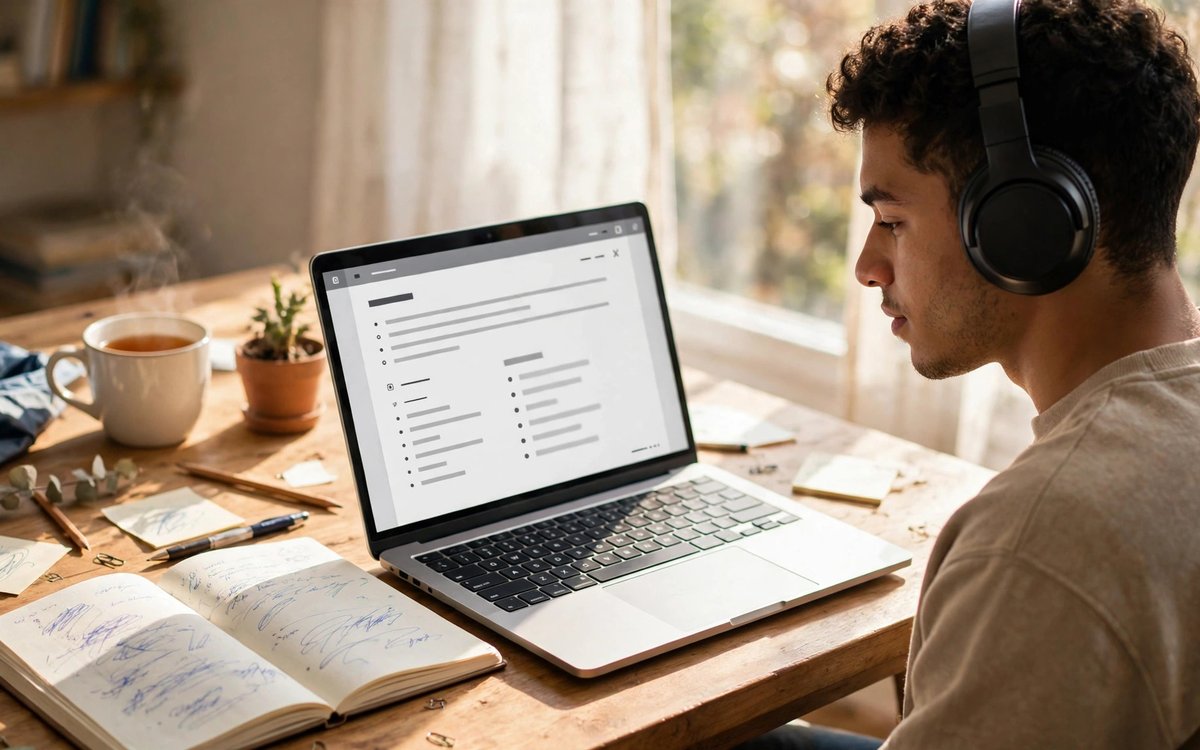
Trust, then verify. The two claims your exam depends on are worth finding in the original.
Checking a summary before you trust it
A five-minute check is enough for most material. Work through it before the summary goes into your revision notes:
Read the summary once and mark anything that surprises you. Surprise is usually either new learning or an error, and both deserve a look.
Find the numbers. Dates, percentages, sample sizes and definitions are the details a summary gets wrong most often, so check each one against the original.
Find the quotes. If the summary quotes the lecturer or the author, check the wording. A paraphrase dressed up as a quote is a red flag.
Ask the tool to show its working. 'Which part of the text supports this point?' is a fair question, and a good tool will point you to the passage.
If something cannot be verified, leave it out. A gap in your notes is honest; a wrong fact in your notes is a lost mark.
Turning a summary into revision notes
A summary is not revision material until you have done something with it. The simplest method is the one students have used for decades: turn the summary into questions. Take each bullet point and write it as a question on a flashcard or in a document, with the answer hidden underneath. Then test yourself a day later, a week later, and a month later. This is the same spaced-repetition idea that makes flashcards work, and it works just as well on AI summaries as on handwritten notes.
For lectures, add one more habit. After each summary, write a three-line note of your own: what the lecture was really about, what confused you, and what you still need to look up. Three lines take two minutes, and they are the difference between a folder of summaries and a mind that actually learned something.
What not to do
Do not submit an AI summary as your own work. Summarising is a study aid, not an assignment, and your university will treat it as plagiarism if you hand it in unchanged.
Do not summarise what you have not read at all. A summary of a chapter you never opened gives you the shape of the material and none of its substance, which is the worst possible preparation for an exam.
Do not trust a summary of a bad transcript. If the audio was muffled or the transcription is full of errors, fix the transcript first. Garbage in, confident garbage out.
Do not keep every summary. If you summarise everything, you have built a second reading list. Keep the summaries that answer your questions and delete the rest.
AI summarising is at its best when it does the boring part of studying and leaves the thinking to you. Let it compress the long lecture and organise the messy transcript. Keep the judgement for yourself: which points matter, which claims need checking, and what the material means in your own words. Do that, and a tool that could have made you lazy becomes one that makes you faster, and the notes it helps you build are notes you will actually use.
Frequently asked questions
Is it okay to use AI to summarise my lectures?
Yes, for studying. Summarising a lecture you attended, or a reading your course assigned, is a normal study aid, like making notes or asking a classmate to explain a point. What crosses the line is submitting an AI summary as your own assignment, or using it to skip work your course expects you to do yourself. When in doubt, ask your tutor.
Which AI summariser is best for students?
It depends on the job. For a single reading, a general chatbot such as ChatGPT or Claude is usually enough. For lectures, a transcription tool such as Otter.ai does the recording and the summary in one place. For working across many sources, NotebookLM lets you ask questions with citations back to the originals. Start with one tool, learn its limits, and add a second only when you have a job the first one cannot do.
How do I know if a summary is accurate?
Check the parts that matter most: numbers, dates, definitions and quotes. Find each one in the original and compare. Then ask the tool which passage supports a claim you are unsure about. If a detail cannot be verified, leave it out of your notes rather than risking a wrong fact in an exam.
Can AI summarise a whole textbook chapter?
Yes, but in layers. Long texts summarised in one pass lose the most detail, so split the chapter into sections and summarise each one, then ask for a short overview that pulls the sections together. Keep your own question in front of you the whole time, so the summary serves what you need rather than what is easiest to compress.
Should I still take my own notes if AI can summarise?
Yes. The act of writing notes is part of learning, not just record-keeping, and a summary you rewrite in your own words is far more memorable than one you paste into a folder. Use AI for the first draft of the summary, then make it yours: cut what you do not need, add your questions, and test yourself on it later.
Muhammad Abdullah is a researcher and writer. He tests the tools and methods he recommends, prefers free options, and updates his guides when things change.
Zotero, Mendeley and EndNote all promise to end citation chaos, but they suit very different students. This guide compares them on cost, citing, PDF tools and collaboration, so you can pick one in ten minutes and stop reorganising your references.
A practical tour of the best free AI tools for studying, writing, research and organisation — what each one does well, and where the free tier runs out.
The anatomy of a good prompt — role, context, task, format and examples — with before-and-after examples for study, writing and research tasks.
6 October 2026· 6 min read
The Fundora Letter
Never miss a post
One useful guide, every Sunday — the week's best study, research and AI-tool guides, delivered quietly to your inbox. No spam, no selling your address — unsubscribe any time.
Signups are handled by Brevo, our email service — your address is stored on Brevo's servers so we can send the letter. It is never sold, and every issue has an unsubscribe link.
Fundora uses cookies to analyse traffic and improve your experience. Learn more