
12 Free AI Tools Every Student Should Know in 2026
A practical tour of the best free AI tools for studying, writing, research and organisation — what each one does well, and where the free tier runs out.
Zotero, Mendeley and EndNote all promise to end citation chaos, but they suit very different students. This guide compares them on cost, citing, PDF tools and collaboration, so you can pick one in ten minutes and stop reorganising your references.
Every student reaches the same miserable moment. You have forty PDFs with names like final_final_v3.pdf, a bibliography half typed by hand, and a supervisor asking where one particular citation came from. A reference manager fixes that moment, and it fixes it permanently. It stores your sources, pulls their details in automatically, and drops formatted citations into your essays with a click. The question is not whether to use one. The question is which one, because Zotero, Mendeley and EndNote look similar from the outside and behave quite differently once you live with them.
One honest note before we start. EndNote is the odd one out in this comparison, because it is paid software, not free software. It earns its place here for two reasons: many universities provide it to their students at no cost through a site licence, and supervisors keep recommending it, so you deserve to know what you would actually be getting. The other two, Zotero and Mendeley, both offer genuinely usable free versions.
This guide is for undergraduates writing their first referenced essays, master's students building a thesis bibliography, and PhD candidates staring down a library of hundreds of papers. If you currently keep references in a Word document, a spreadsheet, or a folder of mysteriously named PDFs, any of these three tools will feel like a rescue. If you already use one of them happily, the comparison will still help you judge whether a switch is worth the effort (usually, it is not).
Strip away the branding and all three tools do the same five jobs. Understanding those jobs makes the comparison much easier, because the tools differ in how well they do each one, not in what they promise.
Keep those five jobs in mind as we go. The best tool for you is the one that does your most important jobs best, not the one with the longest feature list.
| Zotero | Mendeley | EndNote | |
|---|---|---|---|
| Cost | Free and open source, with optional paid storage upgrades | Free account, with paid storage upgrades | Paid software, often free through a university licence |
| Best for | Most students, especially on a budget | Students who annotate lots of PDFs | Large, long-term research libraries |
| Word and Google Docs | Both, through free plugins | Word plugin; Google Docs support is limited | Word plugin (Cite While You Write) |
| PDF reading and notes | Built-in reader with highlights and notes | Strong built-in reader and annotator | Built-in PDF tools, geared to big libraries |
| Collaboration | Group libraries, free for basic use | Shared groups with storage limits | Shared libraries, best inside institutions |
| Learning curve | Gentle, you can start in an afternoon | Gentle, very familiar layout | Steeper, rewards a longer setup |
| Works on | Windows, Mac, Linux, plus a web library | Windows, Mac, plus web and mobile apps | Windows and Mac, plus a web version |
Details change over time, so check the current free tier before you commit. The shape of this comparison, though, has held steady for years.
Zotero is free, open source software made by a nonprofit, and for most students it is the right answer. You install a small desktop app and a browser connector. When you find a paper on a publisher site, a library catalogue or Google Scholar, one click saves it to your library with its details filled in. Drag in a PDF and Zotero usually works out what paper it is on its own. That one trick, applied to fifty PDFs, saves an evening of typing.
Its writing plugins cover both Word and Google Docs, which matters more than it sounds. Many students write in Google Docs for group work and switch to Word for final submission, and Zotero follows you across both. It handles thousands of citation styles, and if your department uses an unusual one, you can usually find it in the public style library. Group libraries let a class or a research team share a collection, and because the software is open source, your library is not locked to a company that might change its pricing tomorrow.
The catch is storage. Zotero gives you a modest amount of free cloud storage for syncing PDFs between devices, and a large PDF collection will outgrow it. The workaround is simple and widely used: keep your PDFs in your own cloud folder or on your computer and sync only the reference data through Zotero, or pay for extra storage if you prefer everything in one place. For a typical undergraduate or master's library, the free tier lasts a long time.

Mendeley, owned by the publisher Elsevier, feels the most like a modern app of the three. Its built-in PDF reader is genuinely pleasant: highlighting, sticky notes and annotations are easy, and your notes stay searchable alongside the paper. If your study habit is reading and marking up PDFs for hours, Mendeley makes that part of life nicer than its rivals do. It also offers a Word plugin, a web library, and mobile apps for reading on the go.
Its free account is usable for a typical student library, with paid storage upgrades when a collection grows large. Mendeley also used to push a social and discovery side, suggesting papers and researchers to follow. That side matters much less now than the core library tools, so judge Mendeley on its reading and citing, not on its network features.
The honest drawbacks are dependence and direction. Mendeley is a commercial product, so its free tier and its features can change on the company's schedule, and students who built large libraries in it have occasionally been frustrated by changes to the desktop app. Its Google Docs support is also weaker than Zotero's, which matters if Docs is where you write. If you love its PDF reader and write mainly in Word, those trade-offs may be worth it. If you want the safest long-term home for your library, Zotero's open model is calmer.
EndNote is the oldest and most established of the three, and it shows in both good and bad ways. It is built for very large libraries and for researchers who will manage references for years: it handles tens of thousands of entries without fuss, it has powerful tools for finding and removing duplicate records, and its Word plugin, called Cite While You Write, is mature and reliable. Many senior academics and university libraries still treat it as the standard, which is a real advantage when your supervisor sends you an EndNote library and expects you to use it.
The price is the problem for an individual student. Buying it yourself is hard to justify when two excellent free tools exist, so EndNote really only makes sense if your university provides it, or if your research group already works in it. It also takes longer to learn: the interface carries decades of features, and a new user can spend a weekend just getting comfortable. If you are writing a thesis over several years inside an EndNote-using department, that investment pays off. If you need citations for one semester's essays, it is more tool than you need.
Importing sources: all three import from browsers and databases well. Zotero's browser connector is the most reliable across the widest range of sites, Mendeley is close behind, and EndNote is strong on traditional academic databases. If you collect most of your sources from Google Scholar and publisher sites, Zotero has a small but real edge.
Organising: all three offer folders, tags and search. Zotero's collections and saved searches are flexible enough for a thesis. Mendeley's interface is the easiest to grasp at first glance. EndNote's groups and smart groups shine once a library passes a thousand entries, which is not a problem most students have yet.
Citing while you write: all three handle Word well, and all three cover the major styles like APA, Harvard, Chicago and Vancouver, plus thousands of journal-specific styles. The practical difference is Google Docs, where Zotero is clearly the strongest, and Mendeley the weakest. Check where you actually write before you choose.
Collaboration: Zotero groups are free for basic shared use and work well for a class project. Mendeley groups work fine but share the same storage limits as a personal library. EndNote sharing is powerful inside an institution where everyone already has it, and awkward outside one. For a student group project, Zotero usually wins on simplicity.
Name your PDFs before you import them, or let the tool rename them for you. A library full of files called download.pdf is searchable by title, but it is miserable to browse, and it will betray you the week before a deadline.

Students often freeze at this choice because it feels permanent. It is not. All three tools can export a library in standard formats, and the others can import it, details and PDFs included. You may lose a little formatting polish or a few annotations in the move, and you will spend an hour tidying up, but your sources and your citations survive. So choose the best fit today, and know that a future switch costs an afternoon, not a thesis.
The browser button saves nothing. The site may be blocking the connector, or the page may be a PDF rather than an article page. Save the PDF directly, then drag it into your library and let the tool identify it, or add the details by hand from the paper's first page.
Your citations look wrong. Nine times out of ten, the citation style is wrong, not the data. Check the style setting in the Word plugin, then check the entry itself for a missing author or a title stored in the wrong field.
Sync keeps failing or storage is full. Check how much of your storage is PDFs versus reference data. Moving PDFs to your own cloud folder, or trimming duplicates, usually fixes it without paying anything.
Your group cannot see your shared library. Group sharing has its own settings, separate from your personal library. Open the group itself, confirm your classmates are members, and check that you added the papers to the group, not to your private collection.
A reference manager will not make you read more, and it will not write your literature review. What it does is quieter and just as valuable: it removes the fiddly, error-prone part of research writing, so the hours you spend go into thinking instead of formatting. Pick Zotero if you want the best free all-rounder, Mendeley if its PDF reader makes reading genuinely easier for you, and EndNote if your university provides it and your project is big enough to deserve it. Then import your first ten papers today, while the decision is fresh, and let the tool start earning its place.
For most students, Zotero. It is free, open source, works with both Word and Google Docs, and handles everything from a first-year essay to a thesis bibliography. Mendeley is a strong second choice if you spend most of your time annotating PDFs and write in Word. EndNote is best when your university provides it or your research group already uses it.
Not on its own. EndNote is paid software. Many universities buy a site licence that lets their students install it at no personal cost, so check your university library's software page before you pay anything. If your university does not provide it, Zotero or Mendeley will cover everything a student normally needs, for free.
Yes. All three tools export libraries in standard formats that the others can import, including PDFs and most details. You may need an hour to tidy up afterwards, and some annotations may not transfer perfectly, but your sources and citation data survive. Do not let fear of switching stop you from starting with one today.
Zotero has the strongest Google Docs support of the three, through its connector and plugin. EndNote's strength is in Word. Mendeley's Google Docs support is limited, so if Google Docs is where you write, Zotero is the safer choice.
Thousands. All three cover the major styles such as APA, Harvard, Chicago and Vancouver, plus a huge library of journal-specific styles. If your department uses an unusual style, check its name in the tool's style library before you commit, but for standard coursework you will find what you need in any of the three.
Keep reading
A practical tour of the best free AI tools for studying, writing, research and organisation — what each one does well, and where the free tier runs out.

The anatomy of a good prompt — role, context, task, format and examples — with before-and-after examples for study, writing and research tasks.
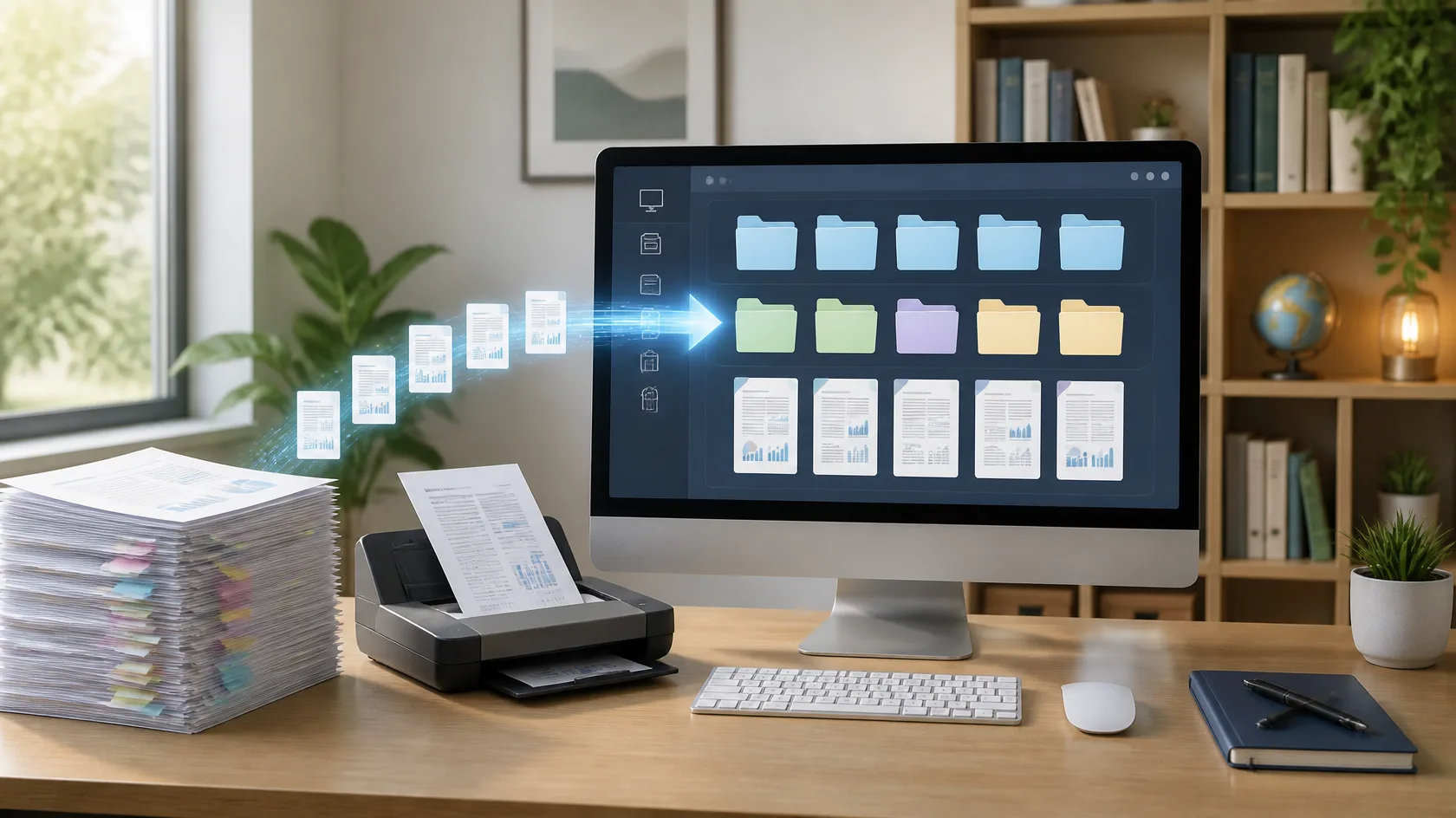
Set up Zotero from scratch: install the connector, save references in one click, organise collections, and generate a perfectly formatted bibliography.