
How to Revise for Exams Without Cramming: A Calm Plan That Works
Cramming feels productive and mostly is not. Learn a calm, realistic revision plan: start early, test yourself, space your sessions, and walk into the exam rested instead of panicked.
Most notes are written to be filed and forgotten. The Cornell method turns a page into a revision tool: a notes column, a cue column and a summary box, plus a five-minute review habit that makes the notes stick.

Here is a scene every student knows. You sit through a lecture, fill three pages with careful handwriting, and feel quietly proud of yourself. Two weeks later, the exam is coming, you open those pages, and they might as well be in another language. Dense paragraphs, no landmarks, no way in. So you start again from scratch, re-reading the textbook, and the notes you worked so hard on sit there unused. The problem is not your effort. It is the format. Ordinary notes are built for recording. Cornell notes are built for revising, and the difference is one page layout plus a short habit that turns the page into a quiz you can give yourself.
The Cornell method comes from Cornell University, where education professor Walter Pauk developed it in the 1950s as a way to help students take notes that would still be useful weeks later. The idea is simple enough to explain in one sentence: divide every page into three sections, and use each section at a different time. You take notes during the lecture, you add questions and keywords afterwards, and you write a short summary at the bottom. Then, when revision time comes, you cover the notes and test yourself using only the questions. That last step is the whole point, and it is the step most students skip.
You do not need special stationery. Any notebook works, and so does a document or a note-taking app, as long as you keep the three sections separate. The method is the layout and the habit, not the paper.
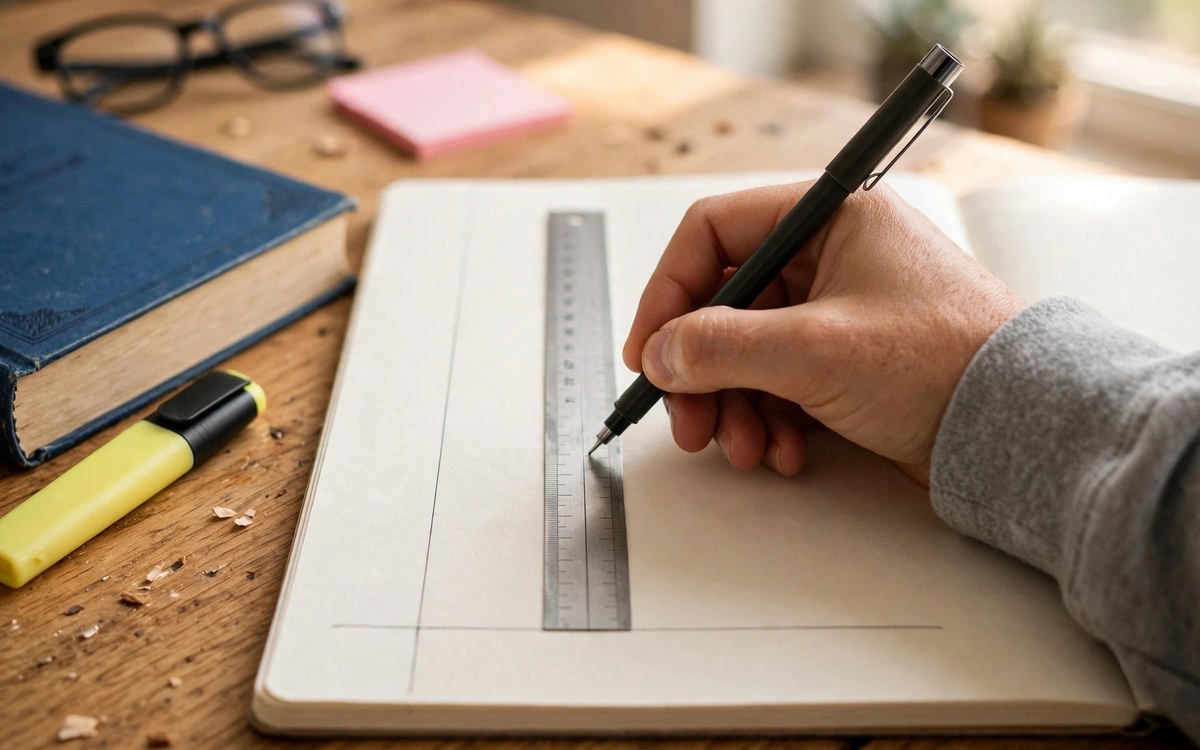
Draw two lines on a blank page, and you are ready. The layout looks like this:
If you are using a digital document, a simple two-column table with a full-width row at the bottom does the same job. If you are using a notes app, a template with headings for cues, notes and summary works just as well. What matters is that the cue column stays empty while you listen, because filling it in later is what forces you to think about the material a second time.
During the lecture, write in the notes column only. The goal is not a transcript. Nobody can write as fast as a lecturer speaks, and trying to do so means you stop listening and start copying. Instead, listen for the structure and capture it:
If you fall behind, leave a gap and keep listening. A gap you fill in later is recoverable. A lecture you stopped listening to because you were chasing a sentence is not.
This is the step that separates Cornell notes from ordinary notes, and it takes about ten minutes per page. As soon as you can after the lecture, ideally the same day, read through your notes column and write cues in the left column. A cue is a question, a keyword or a short prompt that points at the notes beside it.
Good cues ask about the idea, not about the wording. Instead of writing "photosynthesis" next to a paragraph about photosynthesis, write "Why do plants need sunlight for photosynthesis?" or "What are the two stages of photosynthesis, and where does each happen?" A cue phrased as a question turns the page into a test. A cue phrased as a keyword turns it into a label, and labels do not test anything.
While you are doing this, also fix the loose ends. Fill in the gaps you left during the lecture, look up the points you marked with a question mark, and tidy any abbreviation that future you might not understand. This is your first revision, and it happens before you have forgotten anything, which is exactly why it works.
At the bottom of the page, in two or three sentences, summarise the whole page in your own words. Not a list of topics. A summary. Something like: "This lecture explained how enzymes speed up reactions by lowering activation energy, why temperature and pH change enzyme activity, and how inhibitors block the active site." If you cannot write that summary, you have found a gap in your understanding while there is still time to close it, which is far better than finding it in the exam hall.
The summary also becomes your fastest revision tool. When you have fifty pages to review and one evening to do it in, reading fifty summaries tells you what you know and what needs work, in a fraction of the time that re-reading fifty pages would take.
| Section | When you write it | What goes in it |
|---|---|---|
| Notes column (right, wide) | During the lecture | Main ideas in your own words, short phrases, gaps left where you fell behind |
| Cue column (left, narrow) | Within 24 hours after | Questions and keywords that point at the notes, phrased so they can quiz you |
| Summary box (bottom) | After the cue column | Two or three sentences capturing the whole page, in your own words |
The order matters as much as the layout. Notes first, cues second, summary last. Each step is a small revision of the one before it.
When revision time comes, do not re-read your notes. Cover the right-hand column with a sheet of paper or your hand, read the cues in the left column, and answer each one out loud, from memory. Then uncover the notes and check yourself. This is active recall, the most reliable study technique there is, built directly into the page. It feels harder than re-reading, and that difficulty is the point. Struggling to recall something is what makes it stick.
Work through the cues in any order. Star the ones you missed, and come back to those first next time. A page whose cues you can all answer is a page you know. A page with three stubborn stars is a page that needs one more pass, and now you know exactly which three ideas that pass should cover.

Review each page three times: once when you write the cues, once a few days later, and once before the exam. Three short reviews beat one long cramming session, and the cue column makes each review take minutes, not hours.
The method bends to fit the subject. For a maths or science lecture, the notes column holds worked examples and the cue column holds the question each example answers, like "How do you find the equilibrium constant from these concentrations?" For a history or literature lecture, the notes column holds events and arguments, and the cue column holds questions like "Why did this policy fail?" For a dense reading assignment, the notes column holds your paraphrase of each section, and the cue column holds the questions you would ask in a seminar. The layout stays the same. Only the cues change.
For group study, Cornell pages are unusually useful. Swap pages with a study partner, quiz each other from the cue columns, and compare summaries. If your summaries disagree, you have found something worth discussing, which is the best use of study group time there is.
The layout feels fiddly at first. That is normal, and it passes within a week. If drawing lines every time annoys you, prepare a stack of pages in advance, or use a template. The friction should be in thinking about the material, not in ruling lines.
Your lectures move too fast for the notes column. Then write less, not faster. Capture the headings, the examples and the conclusions, and leave the detail for the cue step, when you can fill gaps from the slides or the textbook at your own pace.
You have a backlog of old notes in the old format. Do not rewrite them all. Convert only the pages that matter most, by adding cues and a summary to them, and use the Cornell layout for everything new. The method earns its keep going forward, not by making you redo the past.
Start with your next lecture. Two lines on a blank page, notes on the right, cues and a summary within a day, and a cover-and-recall pass when revision comes. It is a small change to how you take notes, and it is the difference between pages you file and pages that teach you back.
It works in both. On paper, draw the two lines by hand or use a pre-printed template. Digitally, use a two-column table with a full-width summary row, or a note-taking app with a Cornell template. The method is the three sections and the review habit, not the medium. Choose whichever you will actually use every day.
About ten minutes per page, and it is best done the same day as the lecture, while the material is still fresh. That ten minutes is also your first revision, so it is not extra work on top of studying. It is studying, done early, when it is cheapest.
A good cue is phrased as a question you can answer out loud, and it points at one idea in the notes beside it. "What are the three causes of the war?" is a good cue. "Causes of the war" is a label, not a question, and it will let you nod along without testing anything. If a cue has more than one answer, split it into two cues.
Yes. Read a section, close the book, and write your paraphrase in the notes column. Then add cues and a summary exactly as you would for a lecture. It is slower than highlighting, and it is far more useful, because a page of your own paraphrase with questions beside it is a revision tool, while a highlighted chapter is just a chapter you have seen before.
It usually fits better than you expect. In the notes column, write the worked example or the code snippet. In the cue column, write the problem it solves or the question it answers. Covering the notes and reproducing the solution from the cue is one of the best ways to practise problem-solving, because it tests the method, not just the memory of the answer.
Keep reading
Cramming feels productive and mostly is not. Learn a calm, realistic revision plan: start early, test yourself, space your sessions, and walk into the exam rested instead of panicked.

Professors read dozens of student emails a day, and most of them get skimmed, not answered. This guide shows you how to write a short, respectful email that makes it easy to say yes, with templates for supervision, extensions, references and more.

To-do lists tell you what to do, not when to do it. Learn how to block your week into realistic chunks for classes, study, rest and life, with buffers that keep one bad day from wrecking the whole plan.