A Tool From Fundora
Auto Organizer for Windows
The tiny tool that sorts your Downloads folder automatically, so lecture slides, essays and PDFs stop piling up in one messy heap.
Full disclosure: Auto Organizer is a small tool we built ourselves, here at Fundora, and this page is its home. It is sold through Payhip and Gumroad, which handle the checkout and the file delivery for us.
The problem it fixes
If your Downloads folder looks like most student folders, it is one long pile: lecture slides next to a half finished essay, journal PDFs next to photos, and three files with names that all end in final_v2. Finding anything means scrolling and guessing, and the pile grows every single week of term.
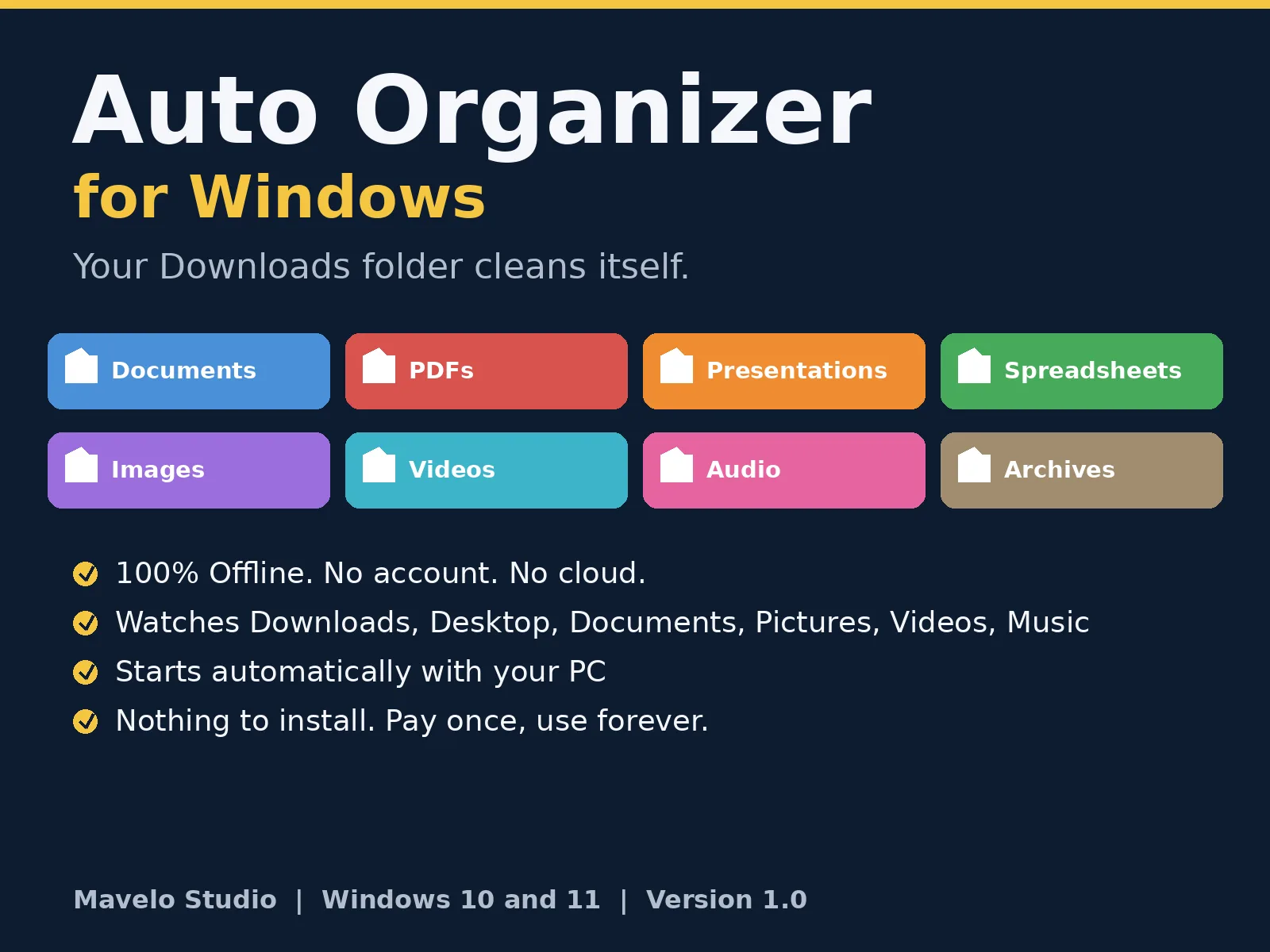
Auto Organizer ends the pile. Once it is set up, every new file that lands in your main folders is moved, by itself, into a subfolder that matches its type. You do nothing. It just stays tidy.
What it does
| File type | Examples | Folder it goes to |
|---|---|---|
| Word documents | .doc, .docx, .txt, .rtf | Documents |
| PDF files | PDFs | |
| Presentations | .ppt, .pptx | Presentations |
| Spreadsheets | .xls, .xlsx, .csv | Spreadsheets |
| Pictures | .jpg, .png, .gif, .webp | Images |
| Videos | .mp4, .mkv, .mov | Videos |
| Audio | .mp3, .wav | Audio |
| Compressed files | .zip, .rar, .7z | Archives |
| Installers | .exe, .msi | Programs |
| Everything else | any other type | Others |
Sorting happens inside the folder the file arrived in. A presentation saved to your Desktop goes to Desktop/Presentations, and one in Downloads goes to Downloads/Presentations.
How it works
- It watches your main folders: Downloads, Desktop, Documents, Pictures, Videos and Music.
- Nothing to install: it runs on the PowerShell that is already built into Windows, so there is no extra software to download or learn.
- It waits for downloads to finish: a file that is still downloading is left alone until it is complete.
- Set it and forget it: an optional auto-start file makes it begin quietly every time you switch your PC on.
Built to be safe
- It never overwrites a file. If a sorted folder already holds a file with the same name, the new one is renamed with (1), (2) and so on.
- It never deletes anything, and it never moves folders, only loose files sitting in the watched folders.
- It works fully offline. No account, no cloud, and your files never leave your computer.
- It keeps a simple log of every move in a file called organizer_log.txt, so you can always see what went where.
- You stay in control: watched folders and categories live in one small config file you can edit in Notepad to add your own folders.
What you get
- The Auto Organizer tool (version 1.0) as a small ZIP download
- One-click Start and Sort Once files
- Auto-start installer, plus a remover file if you ever want it gone
- A step-by-step setup guide (about two minutes to follow)
- The editable config file and a personal-use licence
Price and how to buy
Auto Organizer costs $10, once. There is no subscription and no renewal. Buy it through either store below: both charge the same price, and both send you the download straight after payment.
Buy on Payhip ($10) Also on Gumroad ($10)
Checkout, payment and delivery are handled by the store you buy from, and refunds are handled by that store under its own policy. If you are not sure it fits your setup, ask us first via the contact page and we will answer honestly.
Requirements
- A PC running Windows 10 or Windows 11
- No internet connection needed after download
- No Microsoft Office needed
- A Mac version is not available at the moment, sorry
Frequently asked questions
Does it need the internet?
No. After you download it, Auto Organizer works completely offline, forever. It has no account system and sends nothing anywhere.
Will it delete or overwrite my files?
No. It only moves files into subfolders, and if a file with the same name is already there, the new file is renamed safely instead of overwriting. Nothing is ever deleted.
Which folders does it watch?
By default: Downloads, Desktop, Documents, Pictures, Videos and Music. You can add your own folders, or remove some, by editing one small config file.
What if a file is open or still downloading?
It is left alone. Auto Organizer waits until a download has finished and the file is free before moving it.
How do I get it after paying?
The store you buy from (Payhip or Gumroad) gives you the download right after payment, and also emails you a receipt with the link. Extract the ZIP, run the auto-start file once, and you are done.
What if it is not for me?
Refunds are handled by the store you bought from, under that store's policy. And if something does not work on your PC, contact us and we will help you get it running.